
Summary of Article:
- Sidetone is the name for the audible feedback you hear when communicating through your comms panel in an aircraft.
- Sidetone provides the indication of a “hot mic” and helps you speak at an appropriate level.
- You may have experienced a lack or excess of sidetone if you haven’t heard your voice at all, or if you hear your voice too loudly.
- Lightspeed Aviation’s ANR headsets allow you to balance and fine-tune your volume to compensate for sidetone.
What Is Sidetone?
You’re likely already familiar with sidetone if you’ve heard yourself speaking through your headset. Sidetone is the name for that audible feedback you hear when communicating through your comms panel. Sidetone provides an indication that your mic is hot and helps you speak at an appropriate volume when transmitting. And, if you’ve ever noticed your voice isn’t there, is extremely quiet, or you’ve heard yourself much too loudly, you’ve experienced a lack or excess of sidetone, respectively.
Where Does Sidetone Come From?
Sidetone is produced by your aircraft’s avionics (usually the radio, but sometimes the intercom). Depending on your equipment, sidetone may be user-configurable, or it may require an avionics technician to adjust your radio or intercom to alter the level. No sidetone or too little of it may leave you unable to tell if your mic is functioning or cause you to speak too loudly via radio or intercom. If your sidetone is too loud, you may speak too softly which could cause broken transmissions.
Does My Headset Affect Sidetone?
Yes and no. Your headset doesn’t control the level of sidetone produced by your radio stack, but you may be able to adjust headset volume to compensate for problematic sidetone levels. Since sidetone level is normally independent of radio or intercom volume, adjusting your headset and radio/intercom volumes relative to each other may get you an acceptable level of sidetone.
How Can I Adjust My Sidetone?
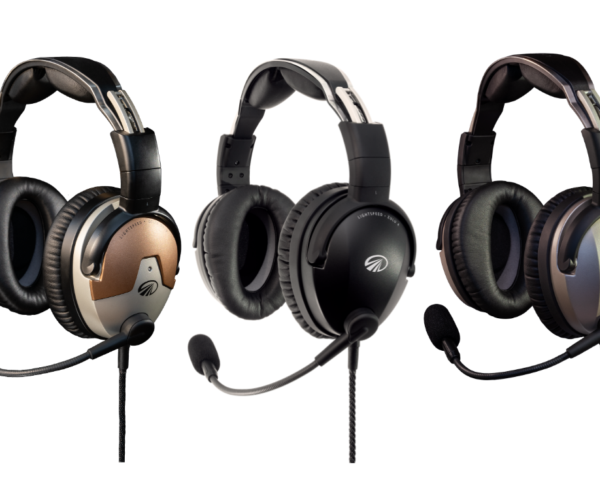
With the Lightspeed Delta Zulu, Zulu 4, Zulu 3, and Sierra headsets, you can adjust headset audio panel volume using the volume sliders on your headset controller. Note that sidetone is produced by the intercom. The headset controller can only control the overall level of audio that is delivered into the headset. However, if sidetone is too low, increasing your headset volume and decreasing your radio/intercom volume on your panel should get you more sidetone relative to your radio or intercom. If your sidetone is too loud, decreasing the headset volume and increasing the radio/intercom volume should balance that out.
What If I Can’t Get Good Sidetone?
If you can’t achieve a satisfactory sidetone level or if you get no sidetone no matter how you try to compensate, you should refer to your avionics manuals to determine if sidetone is user-adjustable for your equipment. In very rare cases, your radio stack may not produce sidetone, but most equipment does. If sidetone isn’t user-adjustable, you can’t find your manuals, or you simply aren’t comfortable making the adjustment on your own, then consult with a qualified avionics technician to help get the right amount of sidetone for you.
Be sure to Subscribe to the Lightspeed Aviation Newsletter for updates, resources, and future programs!









Leave a Comment